How Ask Fern works
Ask Fern is a Retrieval Augmented Generation (RAG) system that appears as a side panel on your documentation site, transforming your documentation into an intelligent, searchable knowledge base.
Visual design and behavior
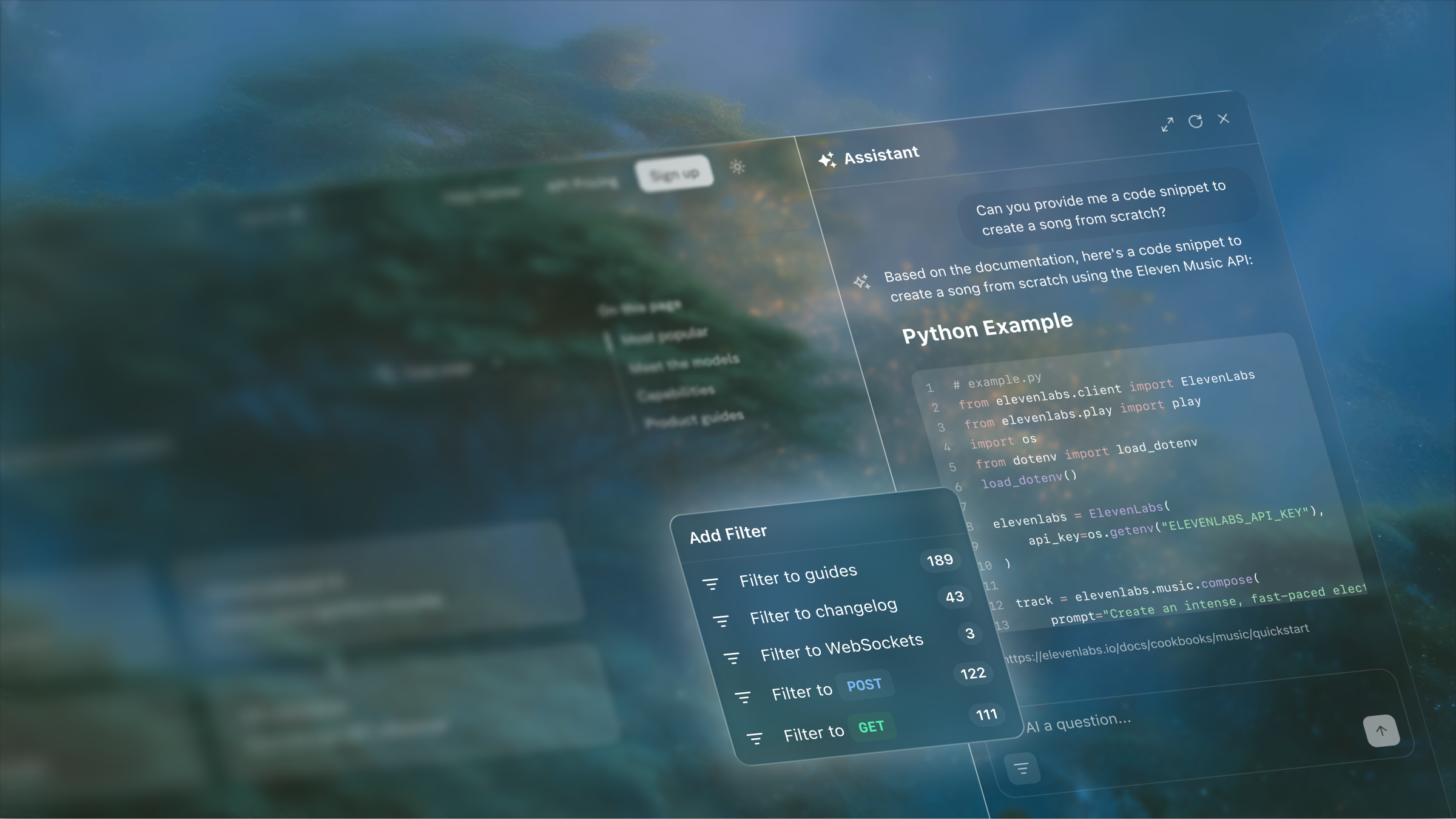
Ask Fern appears as a resizable side panel on your documentation site. Users can drag to resize it or use the expand/minimize button to control their viewing experience.
Works with all Fern Docs layouts.
Stays open as users navigate pages and links.
Ask questions about the current page via dropdown.
Expands to full screen on mobile when typing.
Respects versions, products, and roles for relevant results.
Understands and references your SDK code alongside docs.
Under the hood
Content and code indexing
Fern automatically processes your documentation pages and Fern-generated SDK code, breaking them into semantic chunks and converting each chunk into a vector using sentence embedding models. They’re stored in a database that serves as Ask Fern’s search index.
Query processing
When users ask questions, Ask Fern vectorizes their query and searches the database to find the most relevant documentation and code chunks. If you have role-based access control configured, Ask Fern filters results based on the user’s permissions.
Response generation
Ask Fern uses the retrieved chunks as context to generate accurate answers with citations for the user. If the initial context isn’t sufficient, it performs an additional keyword search.
Architecture diagram
Each Ask Fern user query follows these steps:

