Fern Autorelease
Early Access
Fern Autorelease is in early access. Contact us to get started.
Fern Autorelease automates SDK releases end-to-end. When your API specification changes, Autorelease regenerates SDKs, determines the version bump, and publishes to package registries.
How it works
When changes to your API specification are committed, Autorelease:
- Regenerates SDKs for all configured languages
- Analyzes the API diff and determines the appropriate semantic version bump
- Commits to repositories, tags releases, and publishes packages
- Updates changelogs automatically
If a release fails, Autorelease pauses and sends alerts via Slack (if configured) or the Fern Dashboard where you can review and retry.
Setup
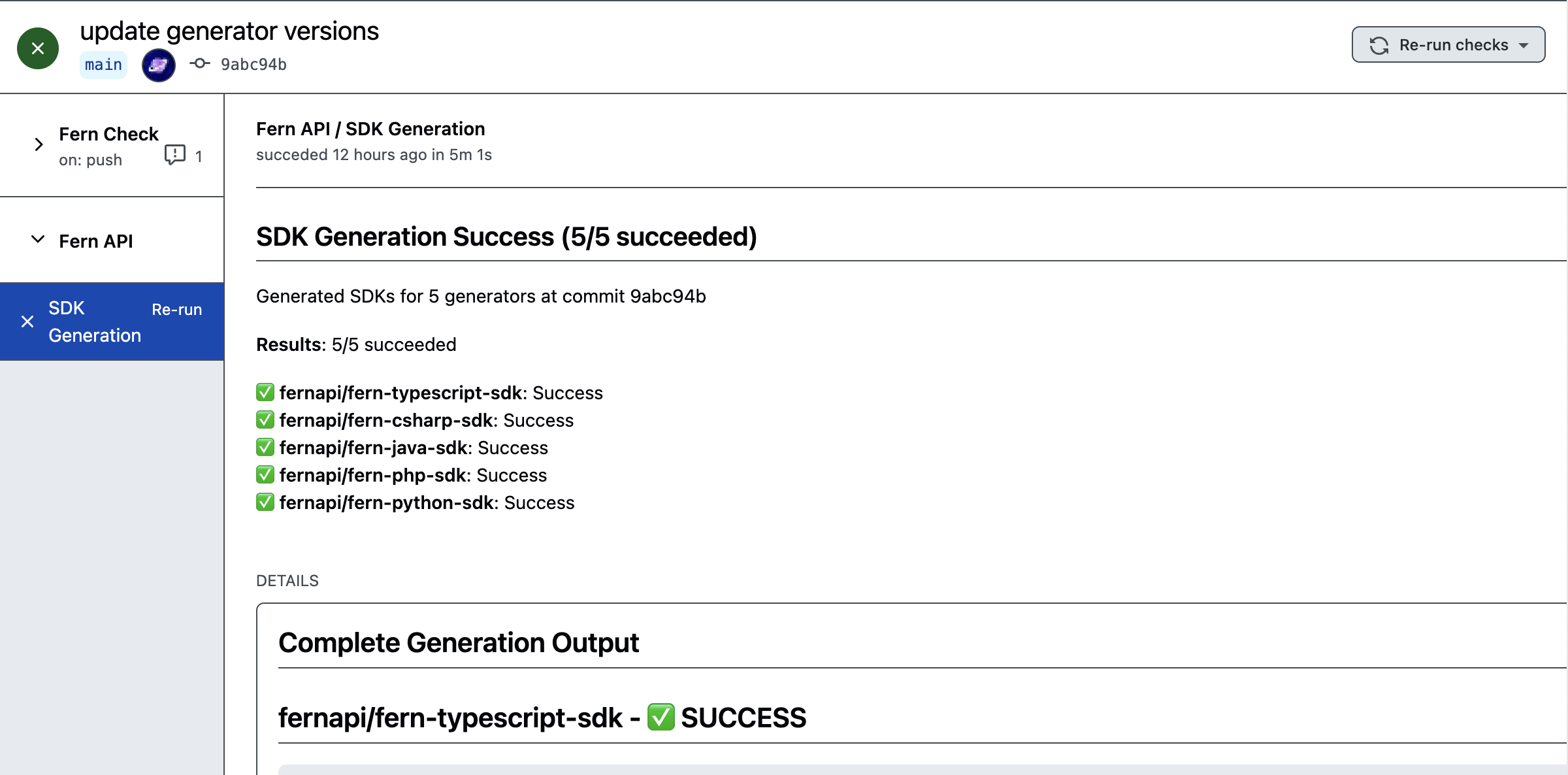
To enable Autorelease, add autorelease: true to your generators.yml and ensure the Fern GitHub App is installed on your SDK repositories. Releases trigger automatically on commits to your spec repository and appear as commit status checks. No changes to your CI/CD setup are required.
Enable globally for all generators
Enable per-generator
Review releases before publishing
Set mode: pull-request to review releases before publishing. Autorelease opens a pull request for you to review instead of publishing directly.
Disable autorelease
To disable Autorelease for a specific generator while keeping it enabled globally, set autorelease: false on that generator:

