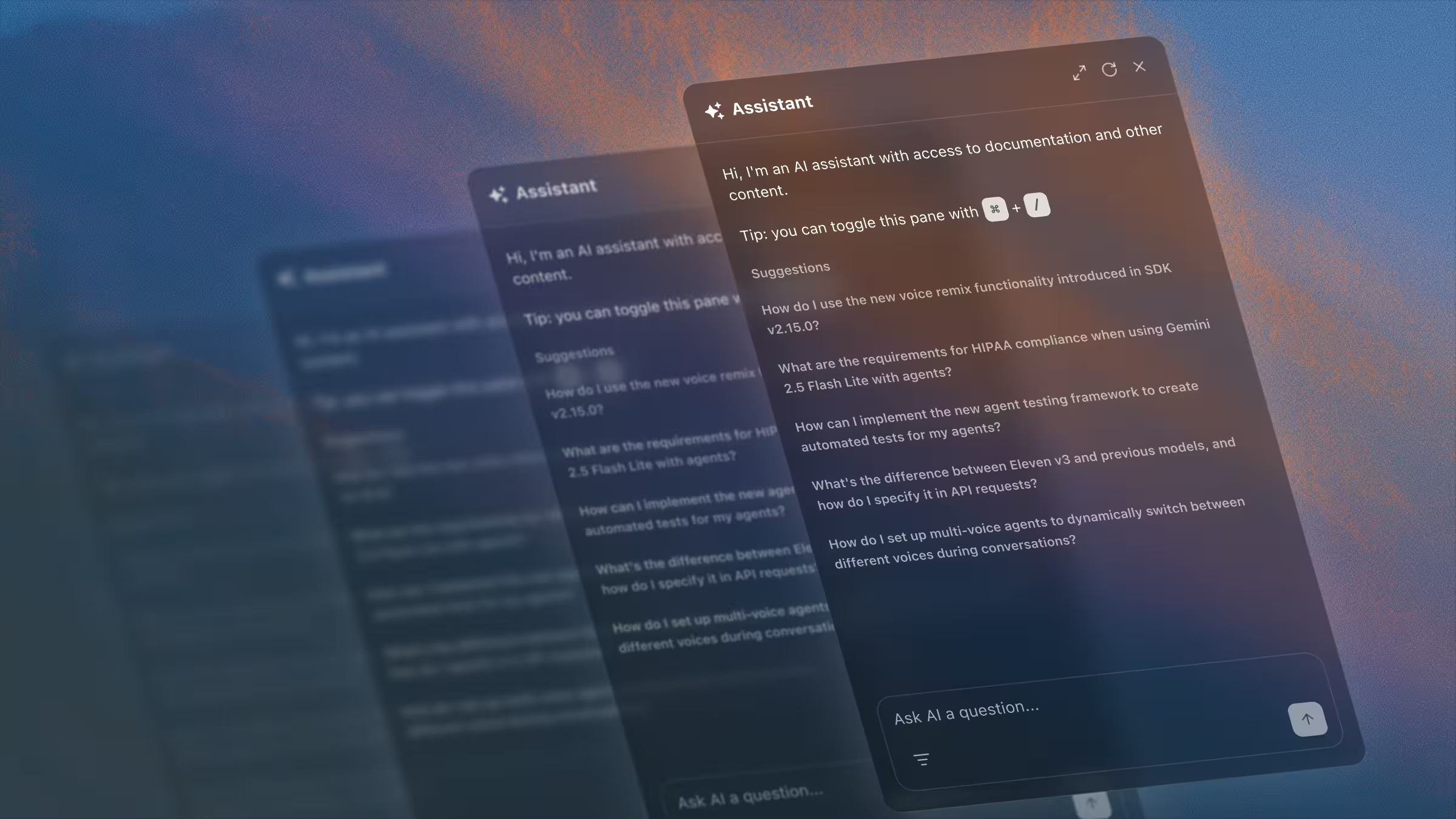
Documentation search has always been a pain point for developers. The information is there, but finding it means clicking through multiple pages and piecing together answers. Conversational documentation platforms flip this around: developers ask questions in natural language and get complete answers instantly. An AI model grounded in your documentation pulls relevant information for each question, making API docs feel less like a manual and more like having a helpful colleague available.
TLDR:
- AI chat interfaces answer developer questions instantly with citations from your API docs
- Some technical writing thought leaders have predicted that AI chat interfaces could become the primary way developers read docs
- The best conversational tools index multiple sources such as API references, guides, code examples, and SDK documentation
- Fern indexes documentation and SDK code, making sure responses respect user permissions and version constraints
- Fern stands out for its granular control over knowledge sources and user access
What is conversational API documentation?
Conversational API documentation uses AI chat interfaces to let developers ask questions in natural language and receive immediate answers. Instead of searching through pages manually, developers type questions like "How do I authenticate with OAuth?" and get direct responses with code snippets and relevant links.
These systems often use Retrieval Augmented Generation (RAG), an AI technique that improves the accuracy and relevance of generative AI models. RAG retrieves information from an authoritative knowledge base, in this case, your API specification and documentation, to ground the model's response before generation. The system parses queries, searches documentation, and generates contextual answers.
These tools typically integrate directly into documentation sites as chat widgets or search bars, working alongside traditional reference pages.
Unlike static search, conversational platforms are proactive and interpretive. AI interfaces synthesize answers from different parts of your docs to provide complete solutions, eliminating the need to piece together information from separate pages. This approach works especially well for complex documentation where a specific answer can span multiple areas.
What makes a great conversational API documentation tool?
There are four criteria that matter most when looking at Conversational API Documentation tools.
AI search accuracy and response quality
How well each tool understands developer queries, retrieves relevant information, and generates coherent answers. Tools that hallucinate or provide incorrect information create more problems than they solve.
Citation and source transparency
Developers need to verify AI responses, so proper citations linking back to specific documentation sections are required. More weight is given to tools that make it easy to jump from AI answers to source material.
Integration capabilities
The best conversational tools index multiple sources like API references, guides, code examples, and SDK documentation. Tools limited to basic Markdown files score lower than those supporting OpenAPI specs and code repositories.
User experience
The tool should provide a positive developer experience. Response speed, interface design, mobile optimization, and whether the chat remains accessible while browsing are important features. Tools that feel bolted on instead of native to the documentation experience receive lower marks.
Fern: complete conversational API documentation
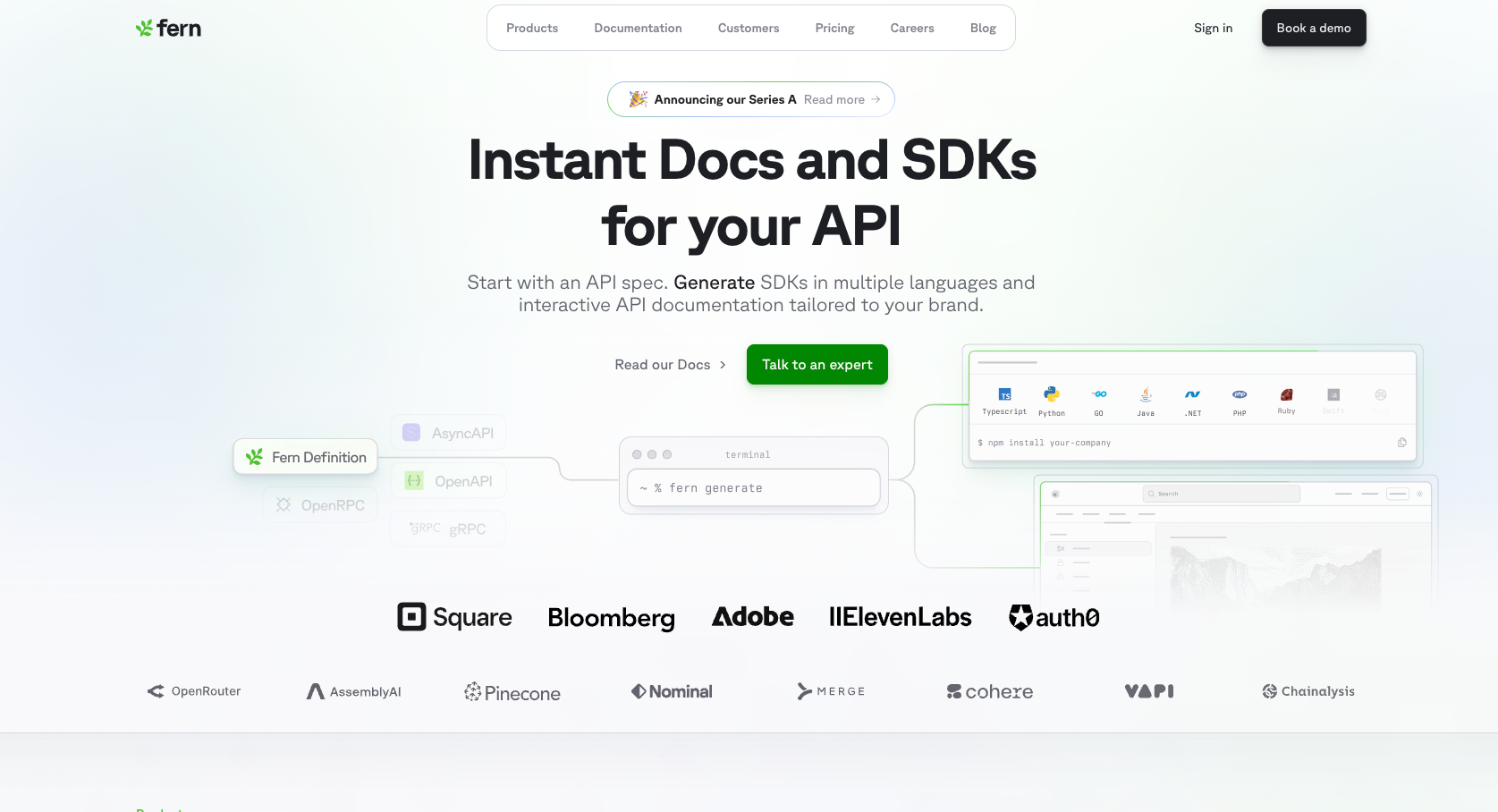
Ask Fern is Fern's AI search feature that appears as a side panel, staying open as developers browse through documentation. The interface is mobile-optimized and maintains your site's design language while providing a familiar chat experience.
The RAG system indexes documentation pages, SDK code, and other sources like internal FAQs and help desk tickets, breaking content into semantic chunks for precise answers. When developers ask questions, Ask Fern retrieves relevant information and generates responses with direct citations to source material. Ask Fern can also index knowledge base articles, marketing sites, and research papers.
Ask Fern automatically filters responses based on configured versions, products, and roles. Developers only see answers drawn from content they're authorized to access, with no separate AI configurations needed for teams with private documentation or partner-only sections.
Custom guidance lets you override how Ask Fern responds to sensitive or off-limits queries, giving you fine-grained control over the assistant's behavior beyond what role-based access handles on its own.
Ask Fern is also available as a Slack app, so developers can get answers directly from their team's chat workspace without leaving the tools they already use. For teams that want to embed Ask Fern outside of their docs site, the standalone search widget drops Ask Fern into any React application.
Query analytics show what developers are searching for and where they're struggling, helping you identify documentation gaps and plan content improvements. Detailed metrics track queries and conversations per day.
ReadMe
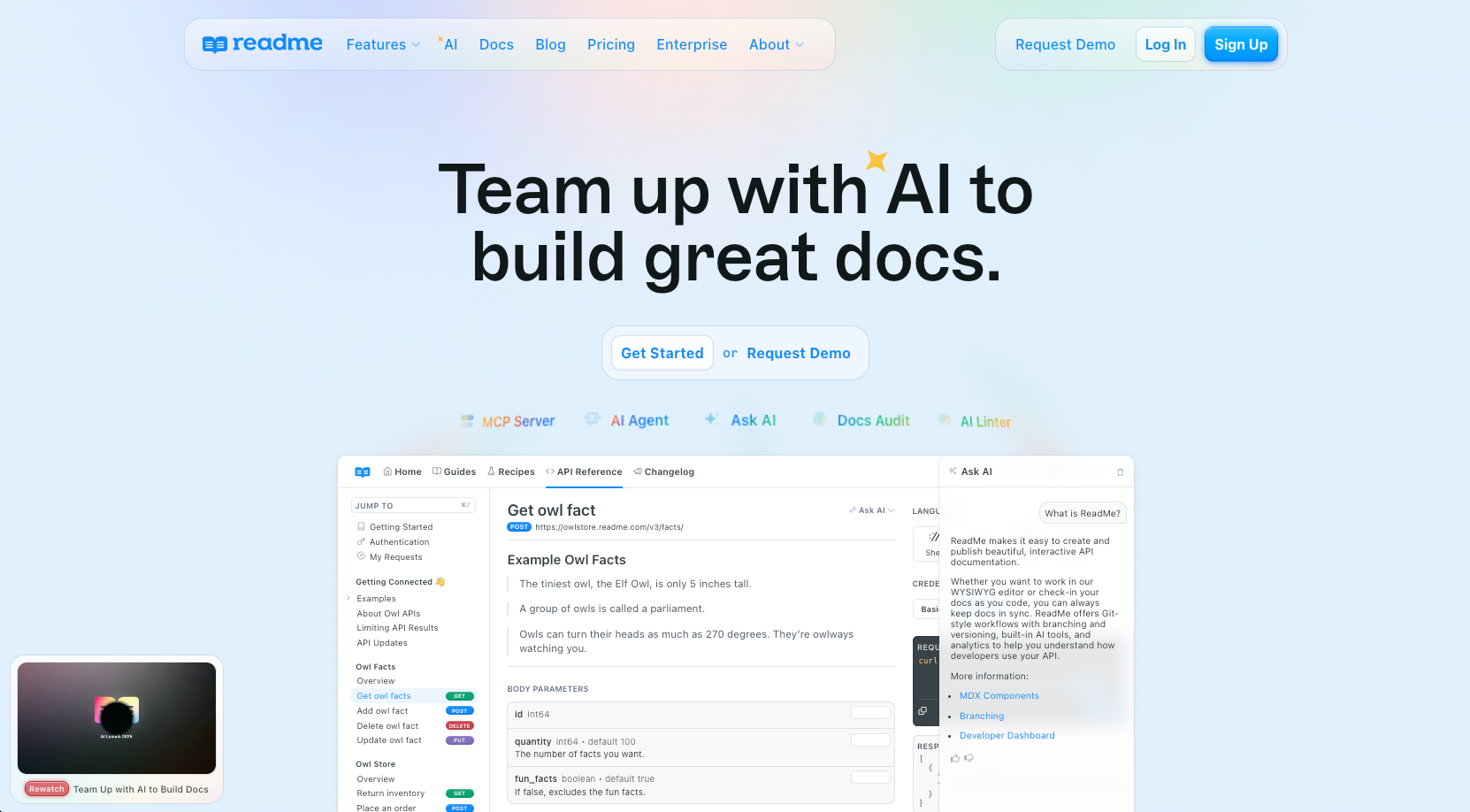
ReadMe offers API documentation with interactive features and AI-powered search. Ask AI is a chatbot embedded in your docs that provides real-time responses to user queries. ReadMe's strength is personalization: authenticated users see their request logs alongside documentation, bridging static docs and hands-on debugging.
Key features
ReadMe includes a number of features for documentation search with conversational AI:
- AI chatbot that answers questions using your API reference, guides, and changelog content
- Interactive API explorer that lets developers test endpoints directly while getting AI assistance
- Personalized examples and logs for authenticated users, showing customized code examples with their own API keys
- Analytics and insights on documentation usage
Limitations
ReadMe's Ask AI is limited to content within a single ReadMe project. There's no native indexing of external sources like internal knowledge bases, support threads, or marketing content, which can leave gaps for teams whose product knowledge lives across multiple systems.
The bottom line
ReadMe's conversational AI is a great tool for allowing developers to search core documentation. The AI tool provides an interactive and personalized experience that supports developers in their day-to-day activities. The inability to index sources beyond a single ReadMe project may lead to contextual gaps in the chatbot's responses.
Mintlify
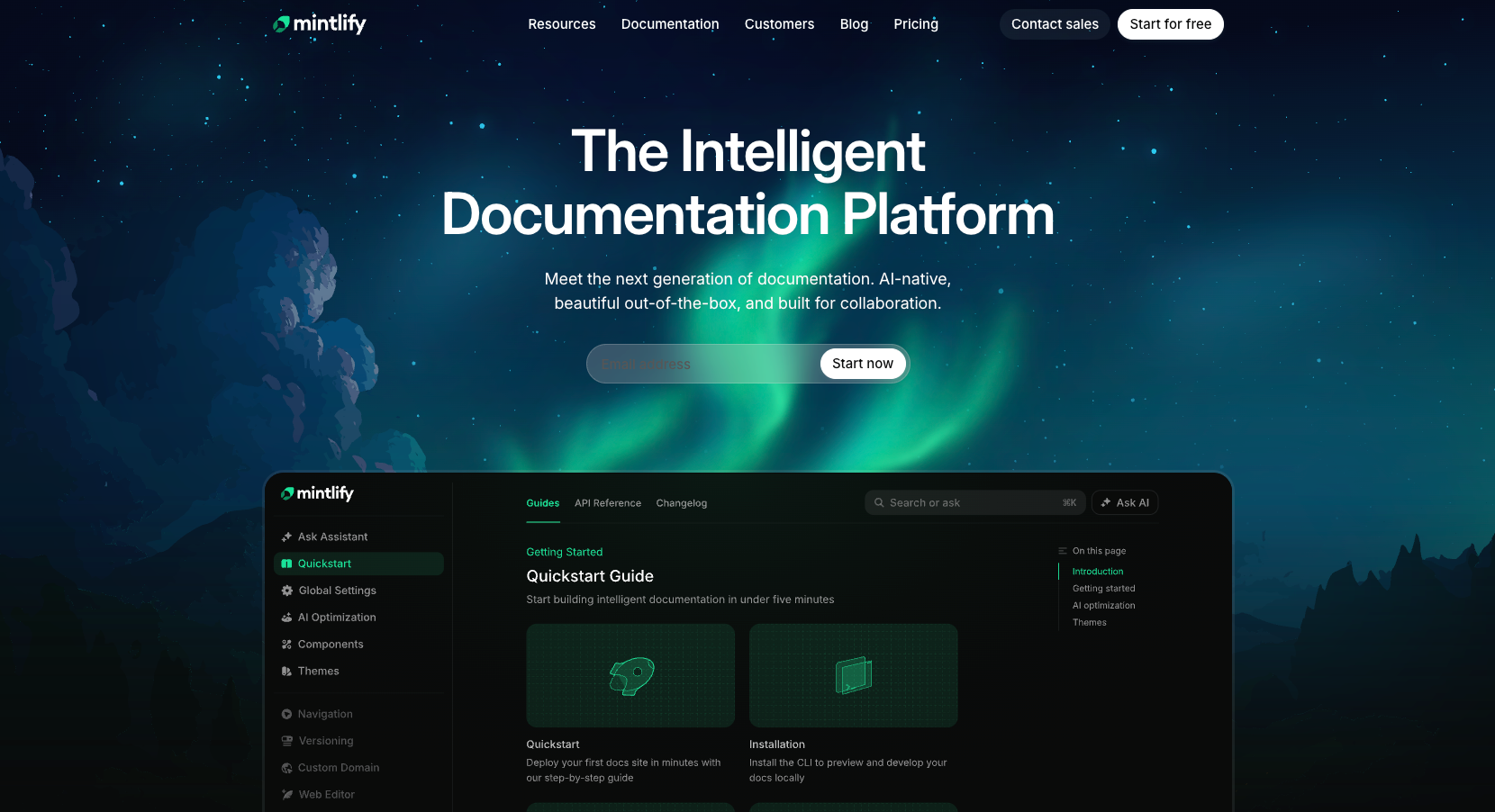
Mintlify builds documentation with conversational search as a core feature. The chat box accepts natural language queries, with AI ingestion that indexes your documentation for retrieval.
Key features
Mintlify includes a number of features for documentation search with conversational AI:
- Integration with Model Context Protocol (MCP) servers connects to external data sources and tools beyond standard documentation search.
- Automated content generation fills documentation gaps, and real-time updates keep content current as your API changes.
- The conversational interface handles queries that span multiple documentation sections.
- Provides configuration of deflection emails so that unanswered questions are automatically redirected to your support team.
Limitations
Mintlify's AI assistant indexes documentation and OpenAPI specifications, and SDK code samples can be added through integrations like Speakeasy and Stainless. Fern takes a tighter approach: because Fern generates the SDKs alongside the docs, Ask Fern indexes the actual SDK source code Fern produces, so documentation and implementation stay structurally aligned for complex API ecosystems.
The bottom line
Mintlify provides solid conversational search for teams focused on documentation presentation. However, teams looking for deep integration between SDK code, external data sources, and documentation search may find Mintlify's approach less complete.
GitBook
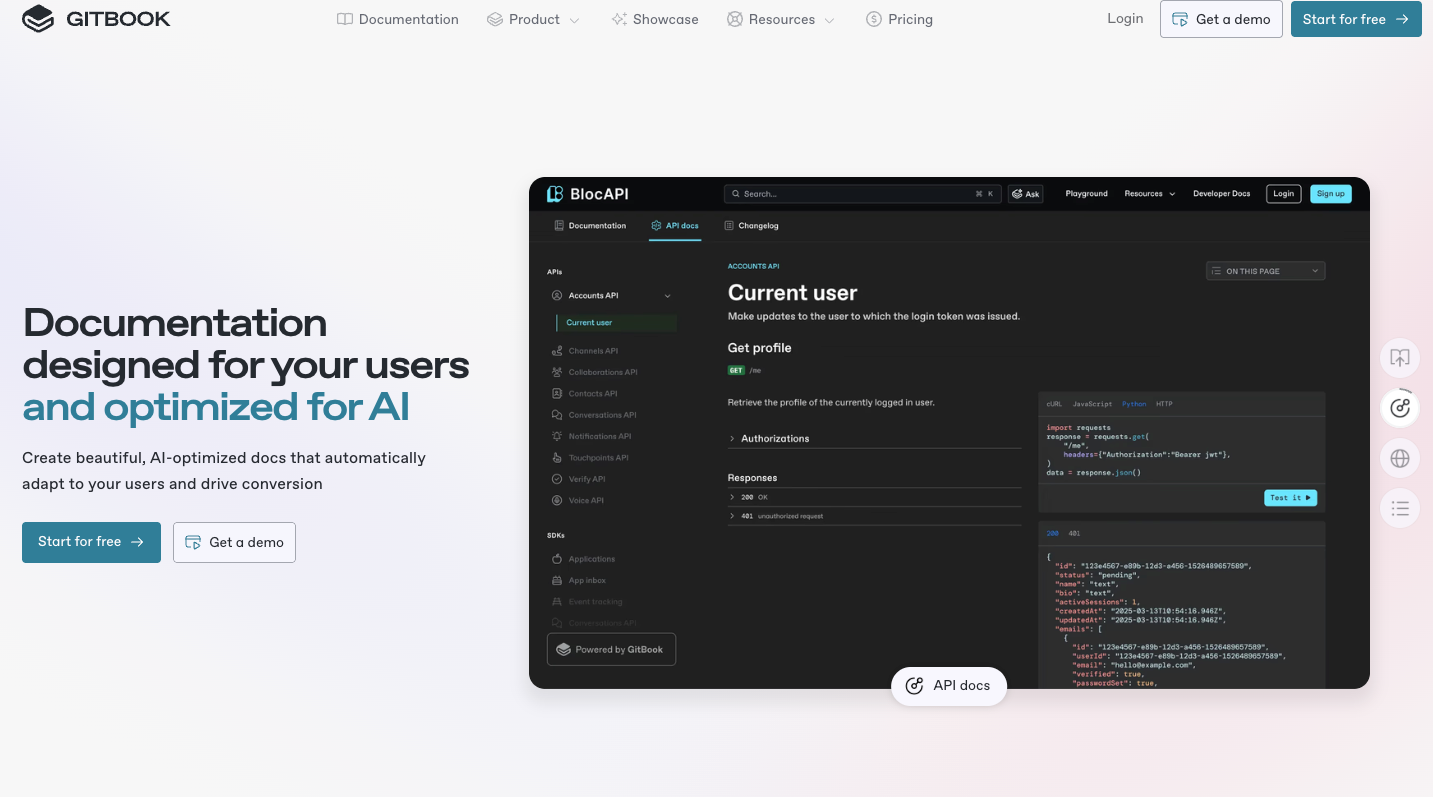
GitBook Assistant adds AI search to documentation through natural language queries. Developers can ask questions in plain English and receive answers drawn from your documentation content.
Key features
GitBook includes a number of features for documentation search with conversational AI:
- GitBook Assistant for natural language documentation search across your GitBook content
- Can be connected to MCP servers for external platforms
- AI-powered instant answers embedded in published documentation sites
- Customize the experience by provide welcome messages, buttons, suggestions, etc.
Limitations
GitBook's native AI search operates within GitBook spaces, with external data brought in through Connections (for direct sources like Intercom, Linear, and GitHub Communities) or MCP servers (for custom tools). For API documentation that pulls reference material from OpenAPI specs and SDK source code in particular, teams can hit limits on how natively those sources integrate compared to platforms with built-in API definition and SDK indexing.
The bottom line
GitBook works for teams already invested in their ecosystem who want basic conversational search. For API documentation requiring integration with OpenAPI specs, SDK code examples, and external references, the constraints limit effectiveness.
Why Fern stands out for conversational API documentation
Fern treats conversational documentation as a core feature, not a bolt-on. Ask Fern provides fine-grained control over both what the assistant knows and who can access what — control that's exposed through configurable content sources and the role-based access detailed above.
For knowledge sources specifically, Ask Fern extends beyond core documentation through two APIs for adding custom content sources. The Websites API automatically crawls and indexes public URLs — marketing sites, blogs, help centers, and other external resources — while the Documents API lets you upload markdown content directly for non-public material like internal FAQs, support ticket summaries, and proprietary knowledge base articles. You can also add external URLs directly in your docs.yml configuration for a simpler no-code setup.
Final thoughts on implementing AI chat in your docs
GenAI-powered chatbots are increasingly common in documentation tools, with some technical writing thought leaders predicting that AI chat interfaces could become the primary way developers read docs.
The adoption of conversational API documentation platforms marks a major shift from static manuals to interactive, intuitive guides. They deliver powerful benefits by focusing on an accelerated developer experience and improved productivity and support.
The right interactive API documentation tool answers questions across your entire content ecosystem. Ask Fern is a great choice that pulls from both documentation pages and SDK code to provide complete responses with proper citations. Your existing permission structure carries over automatically, and the search analytics show you which topics confuse developers most so you can tackle gaps in your content.
FAQ
What is RAG and how does it power conversational API documentation?
RAG (Retrieval Augmented Generation) combines search with AI generation to answer questions accurately. The system indexes your documentation into searchable chunks, retrieves relevant sections when developers ask questions, and generates responses grounded in that content. This reduces hallucinations by making sure answers come from your actual documentation instead of the model's general knowledge.
How can developers verify if AI-generated answers are accurate?
Look for tools that provide citations linking back to source documentation. This lets developers verify responses against the original content and catch any errors. Tools without citation support make it impossible to validate answers, which is risky for API documentation where incorrect guidance can break integrations.
Can conversational documentation work with role-based access controls?
Yes, but implementation varies by tool. The best systems automatically filter AI responses based on user permissions, so developers only see documentation they're authorized to access. This matters for teams with private APIs, partner-only endpoints, or tiered documentation access.
What sources can AI documentation tools index beyond markdown files?
Advanced tools index OpenAPI specifications, SDK code repositories, API documentation, and code examples alongside traditional documentation. This matters because developers often need answers that span conceptual guides and implementation details, a limitation if your AI can only search basic text content.
How does conversational search help identify documentation gaps?
Analytics show which questions developers ask repeatedly and where AI responses fall short. This reveals exactly where your documentation is unclear or missing information, giving you a data-driven roadmap for content improvements instead of guessing what developers need.