Fern Writer
Fern Writer is a Slack-based technical writing agent that keeps your docs aligned as your product evolves. It’s powered by Devin from Cognition. Fern Writer understands Fern components and your writing style, and can be customized via an AGENTS.md file in your docs repository.
How it works
Making a request
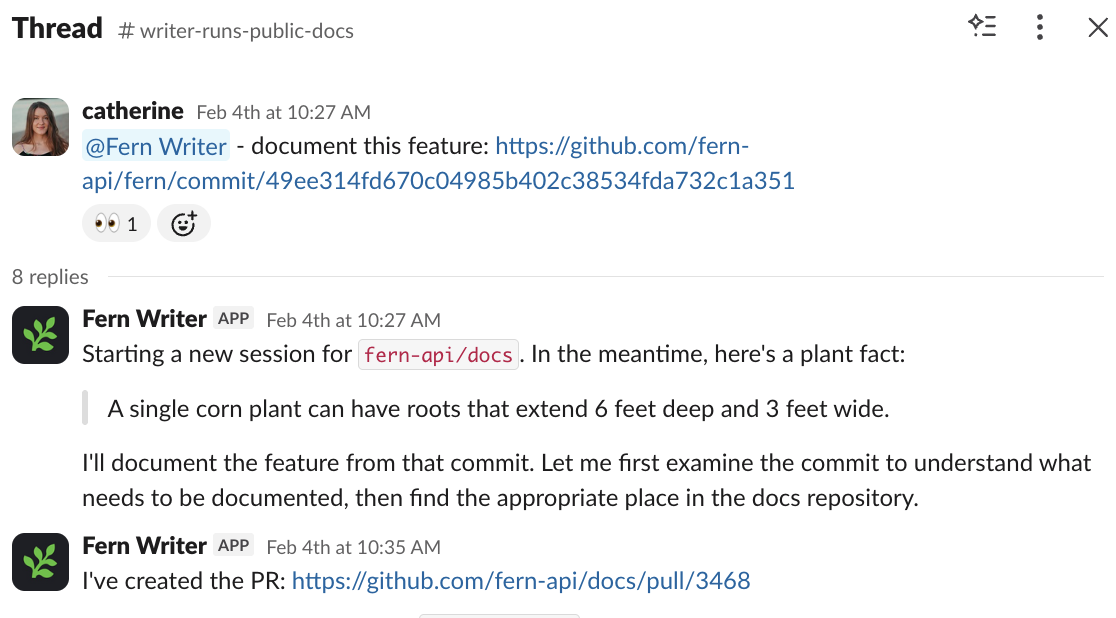
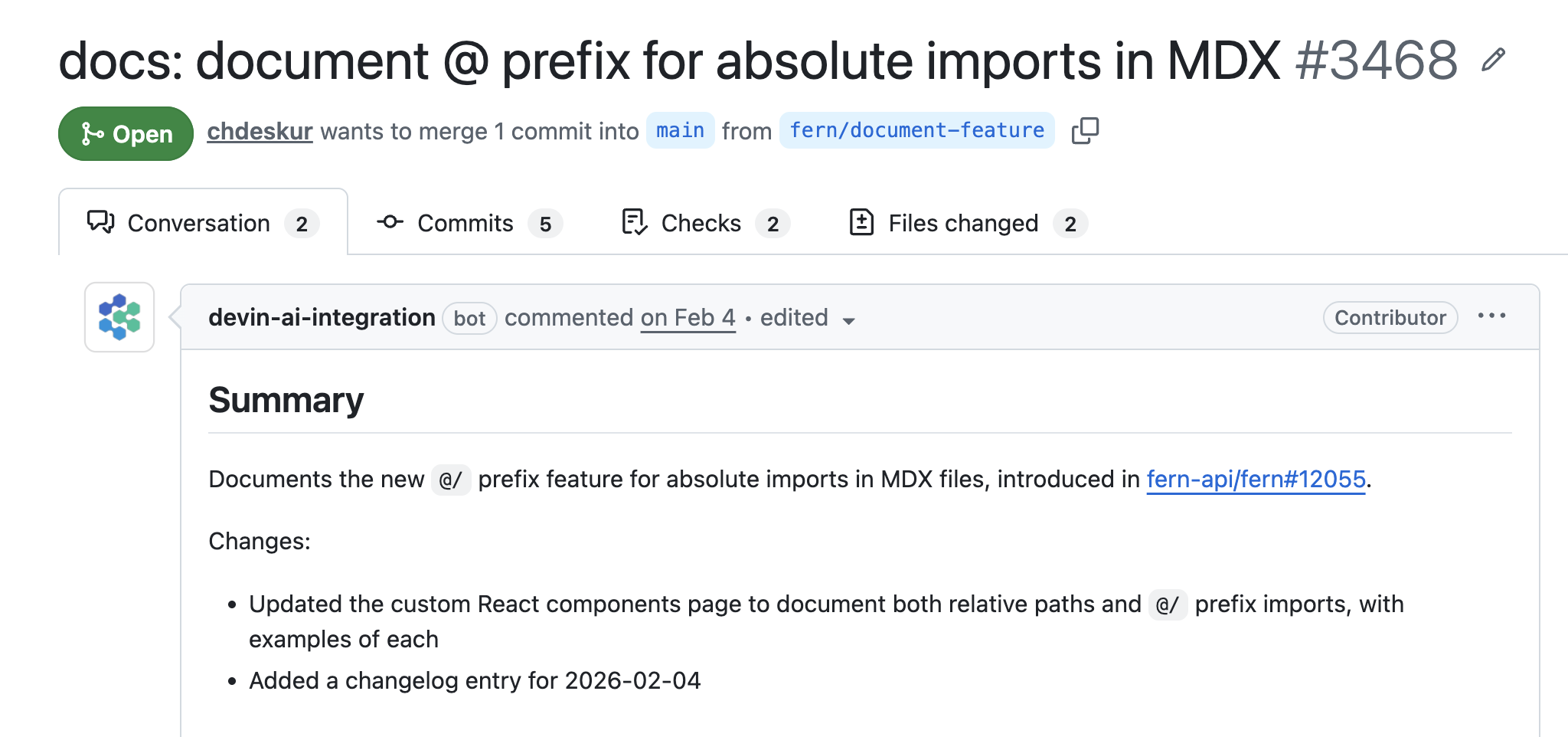
In Slack channels where you’ve added Fern Writer, tag @Fern Writer and describe the change you need. Fern Writer only responds when directly tagged. It will react to your message to confirm receipt, then create a pull request and reply with a link.
Fern Writer supports image and file attachments for additional context. When tagged in an existing thread, it reads the full conversation to understand context before responding.
Video example
Reviewing and merging
Request changes by commenting in the Slack thread. Once the PR meets your requirements, merge it like any other pull request.
Pull request attribution
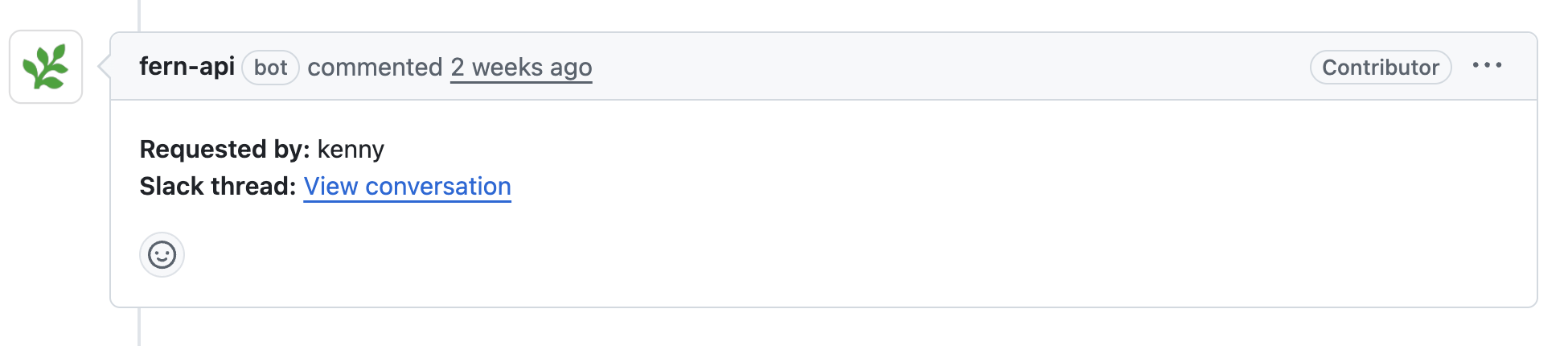
Each pull request includes a Requested by field in the description, attributing the change to the person or team that initiated the request. Commits are signed and attributed to fern-support, ensuring that automated changes are clearly distinguishable from manual contributions in your repository’s history.
Setup
Fern Writer only supports GitHub. GitLab and other Git providers aren’t supported.
To start using Fern Writer, add it to your Slack workspace (you must be a Slack admin) and invite it to channels where your team discusses documentation.
Get your unique install link
Get a unique Slack installation link for your organization. Provide:
- Your Fern token
- The GitHub repository containing your documentation in
owner/repoformat (e.g.,acme/docs). The Fern GitHub App must be installed in the repository.
You can alternatively use this cURL request:
Follow the URL returned in the response.
Privacy and data handling
Fern Writer doesn’t store your Slack messages directly. When you tag @Fern Writer or reference a message or thread, the content is stored in a session to generate the documentation pull request. Session data isn’t retained after the task completes.
Neither Fern nor Devin uses your data to train AI models. Fern explicitly configures its Devin integration to opt out of any data collection for model training. Your channel messages, code, and documentation content are never used for training purposes. See Devin’s documentation on Slack integration security for additional details.

